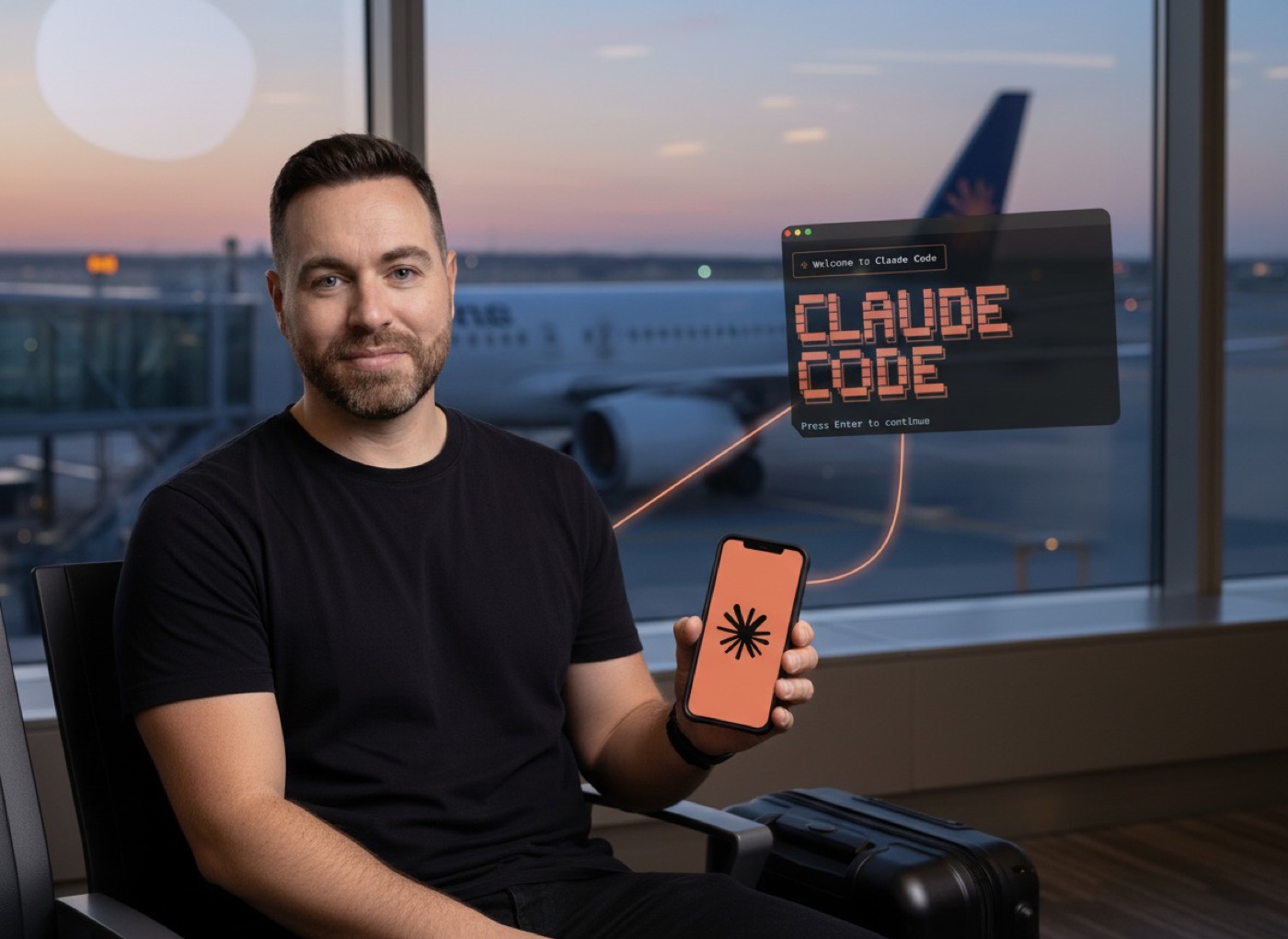
Daily Claude Hack #11
🎮 The 3 character command that turns your phone into a remote control for Claude Code.
Yesterday we talked about Dispatch for Cowork. Today's hack is for Claude Code users.
You're in the middle of a session. You type /rc. That's it. Three characters. A QR code pops up, you scan it with your phone, and you're controlling the exact same session from wherever you are.
Not a new conversation. The same session. Same files, same history, same context. Your phone becomes a remote control for the terminal running on your computer.
How it works:
1️⃣ Type /rc in your terminal
2️⃣ Scan the QR with the Claude app on your phone
3️⃣ You're in
You can also open the link at claude.ai/code from a tablet or another computer.
When this is useful:
→ Start a long build, walk away, monitor from your phone
→ Give Claude a task at the office, review it from home
→ Laptop loses connection? It reconnects automatically
Dispatch vs Remote Control:
→ Dispatch = Claude Cowork → new conversation from your phone
→ Remote Control = Claude Code → continue same session from your phone
⚠️ Remote Control works from the terminal only. Not from the Code tab inside Claude Desktop. At least for now.
Available on Pro, Max, Team, and Enterprise.
Jay
📲 Share our WhatsApp group with friends:
https://chat.whatsapp.com/F1YcpZGHueh2oSEhcsfjc1