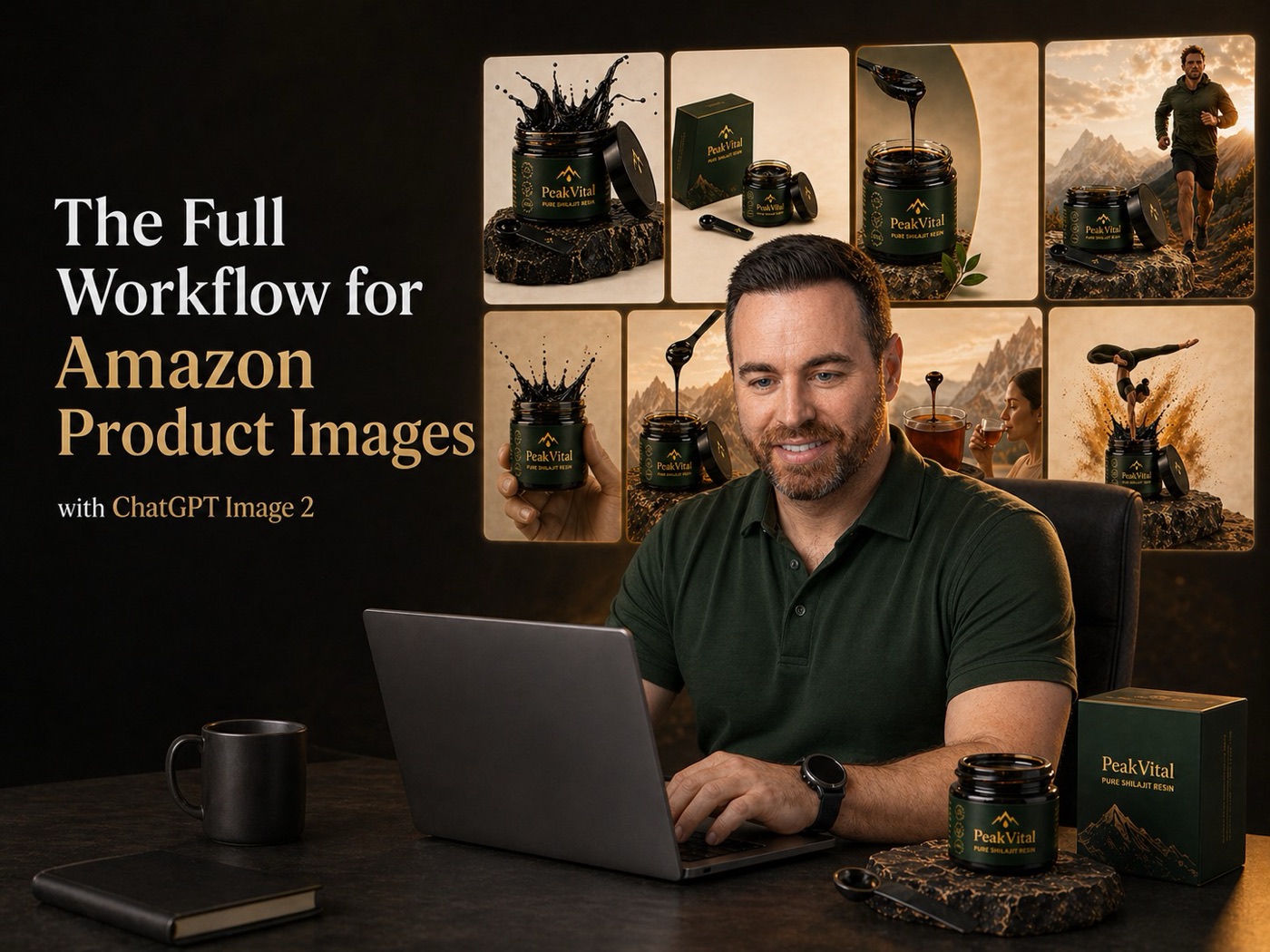
Here is my full method for creating Amazon listing images with the new ChatGPT Image 2...
A few minutes ago I gave a talk at AMAZING DAYS · Sofia, Bulgaria 🇧🇬
This is the workflow I shared on stage, and I wanted to share it here with all of you as well.
What makes this workflow so powerful is that the entire process happens inside ChatGPT:
🧠 Product analysis
🎯 Customer psychology
🎨 Visual strategy
✍️ Image prompts
🖼️ Final listing images
From the first planning step to the final image output, everything happens in one place.
The core idea is simple:
The prompt is not the magic.
The magic is what happens before the prompt.
Before generating any image, ChatGPT first builds the thinking behind the image:
* Product strategy
* Customer pain points
* Brand visual language
* A clear role for each image in the listing
Only after that, it creates the prompts and the images.
I prepared the full workflow for you here:
🔗 jaygptpro.com/chatgpt-listing-images
Inside you’ll find:
1️⃣ Strategy Prompt
Analyzes the product and builds a complete visual plan
2️⃣ Main Images Prompt
Creates the first 4 product-focused Amazon images
3️⃣ Secondary Images Prompt
Creates 6 more images, including Lifestyle, Infographic, Macro, Gift, and more
This week I’ll share 2 more valuable posts about creating product images with AI, including something very interesting I built with Claude Code 👀
Drop a 🔥 if you want more.
Jay
📲 For daily eCommerce + AI updates:
https://chat.whatsapp.com/F1YcpZGHueh2oSEhcsfjc1