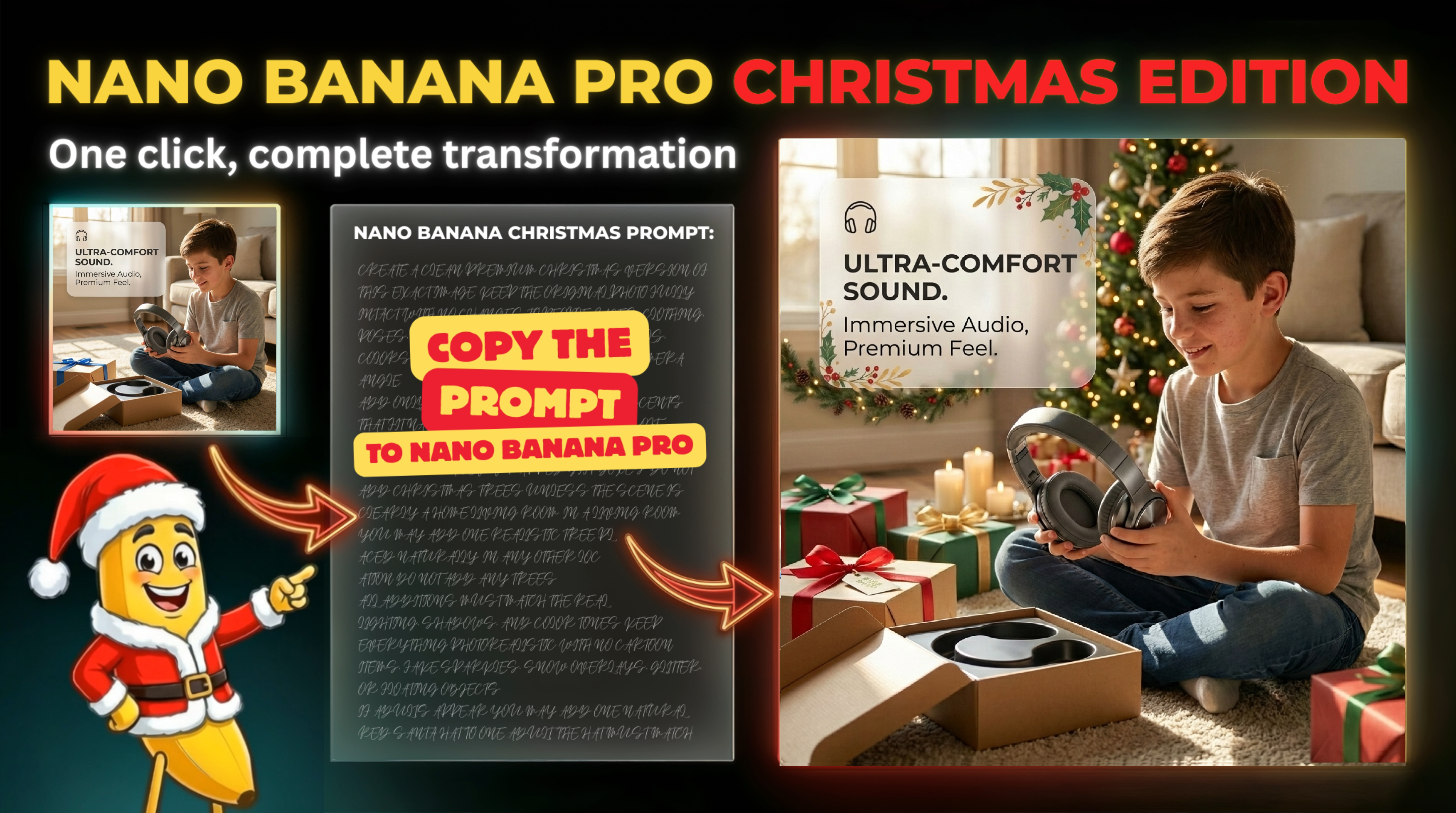
🎅 How It Works - Just 2 Steps!
1
Copy The Prompt
Click the button below to copy the Christmas transform prompt to your clipboard. That's it for step one!
2
Paste & Generate
Open Nano Banana Pro, upload your product image, paste the prompt, and hit generate. Your Christmas version is ready in seconds!
🎁 The Complete Christmas Transform Prompt
Simply copy and paste into Nano Banana Pro with your product image
Create a clean premium Christmas version of this exact image. Keep the original photo fully intact with no changes to people, faces, clothing, poses, hands, product shape, materials, colors, lighting, shadows, depth, or camera angle.
Add only subtle realistic holiday accents that fit naturally. Use warm lights, soft bokeh, light garland, small greenery, candles, or a few wrapped gift boxes. Do not add Christmas trees unless the scene is clearly a home living room. In a living room you may add one realistic tree placed naturally. In any other location do not add any trees.
All additions must match the real lighting, shadows, and color tones. Keep everything photorealistic with no cartoon items, fake sparkles, snow overlays, glitter, or floating objects.
If adults appear you may add one natural red Santa hat to one adult. The hat must match head shape, shadow, and lighting.
If the image includes graphic elements you may add soft Christmas graphics or elements.
The result should look naturally decorated for Christmas. Warm elegant and subtle.
💡 Pro Tip: Create Christmas versions of all your lifestyle and gift images to build a complete holiday listing set!