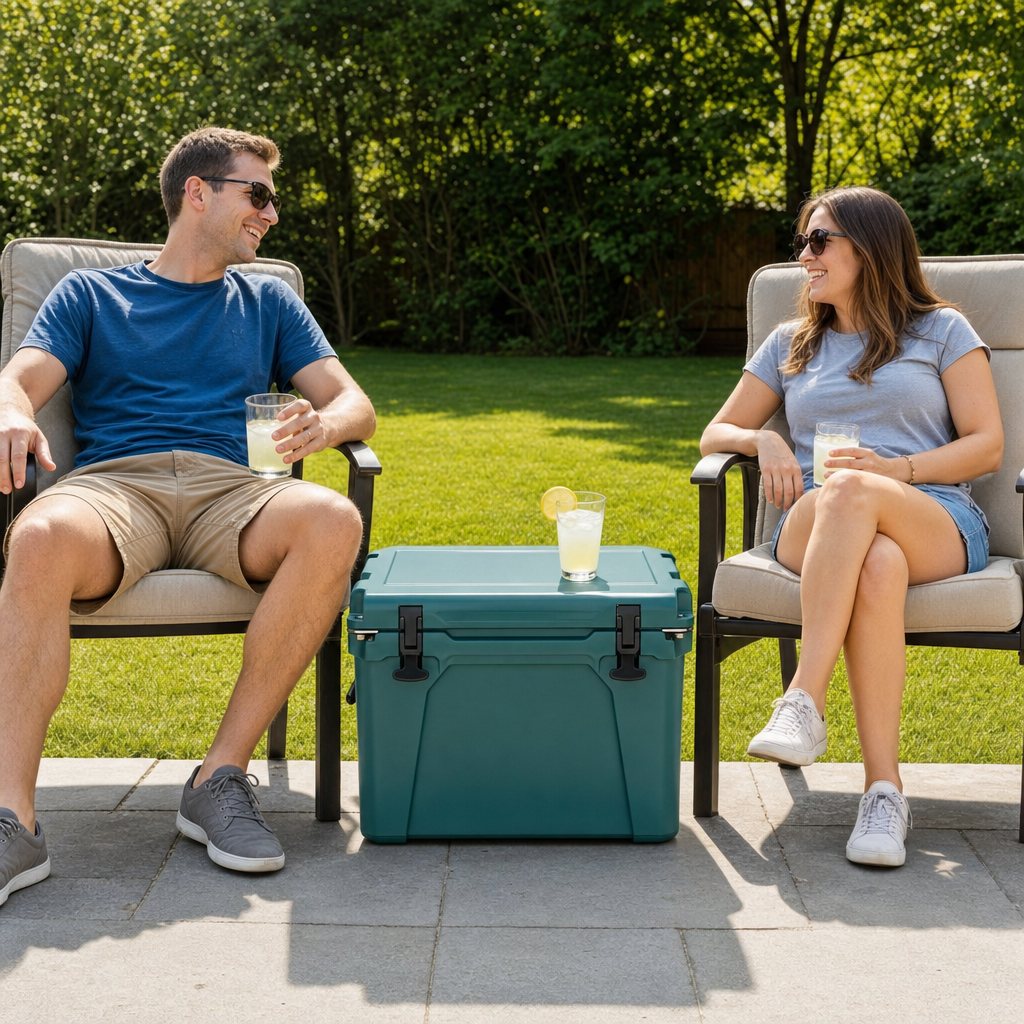
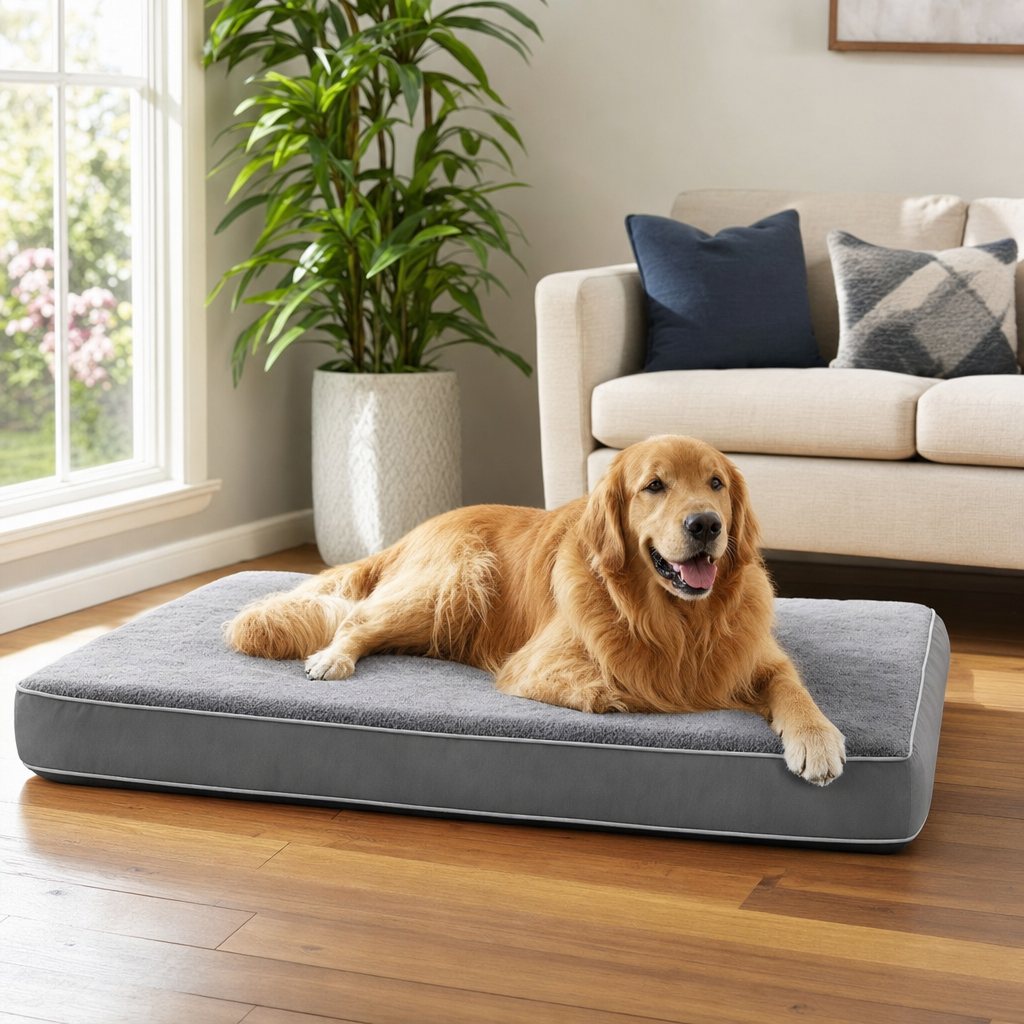
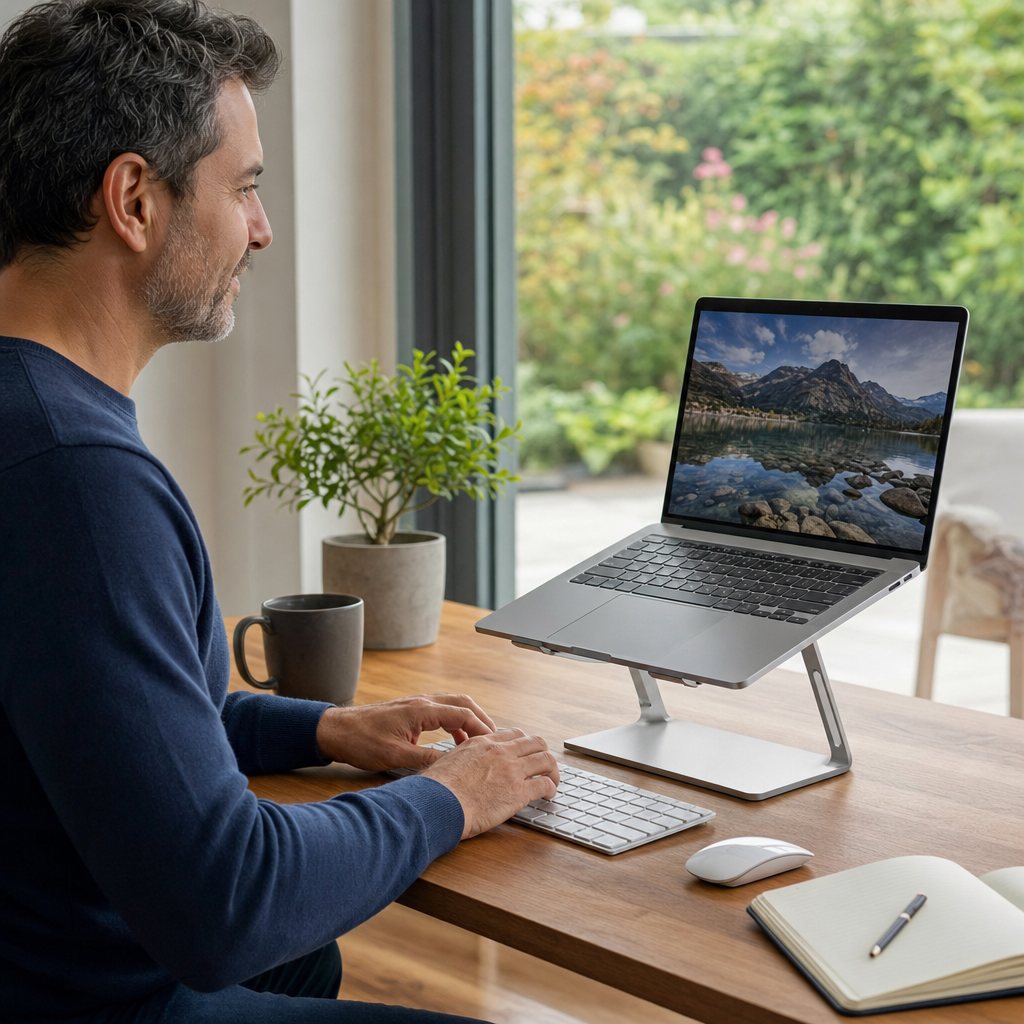
Type one ASIN, or paste your whole catalog. Get Christmas versions of your secondary images, with the product untouched and the main image never touched. Zero questions during the run.
Claude Code draws with your OpenAI key, Codex with your ChatGPT plan. What each one needs
Six demo products, generated for this page, then run through the skill exactly the way a real listing is. Nothing retouched afterwards. The product, the people, the headline text: all still there.
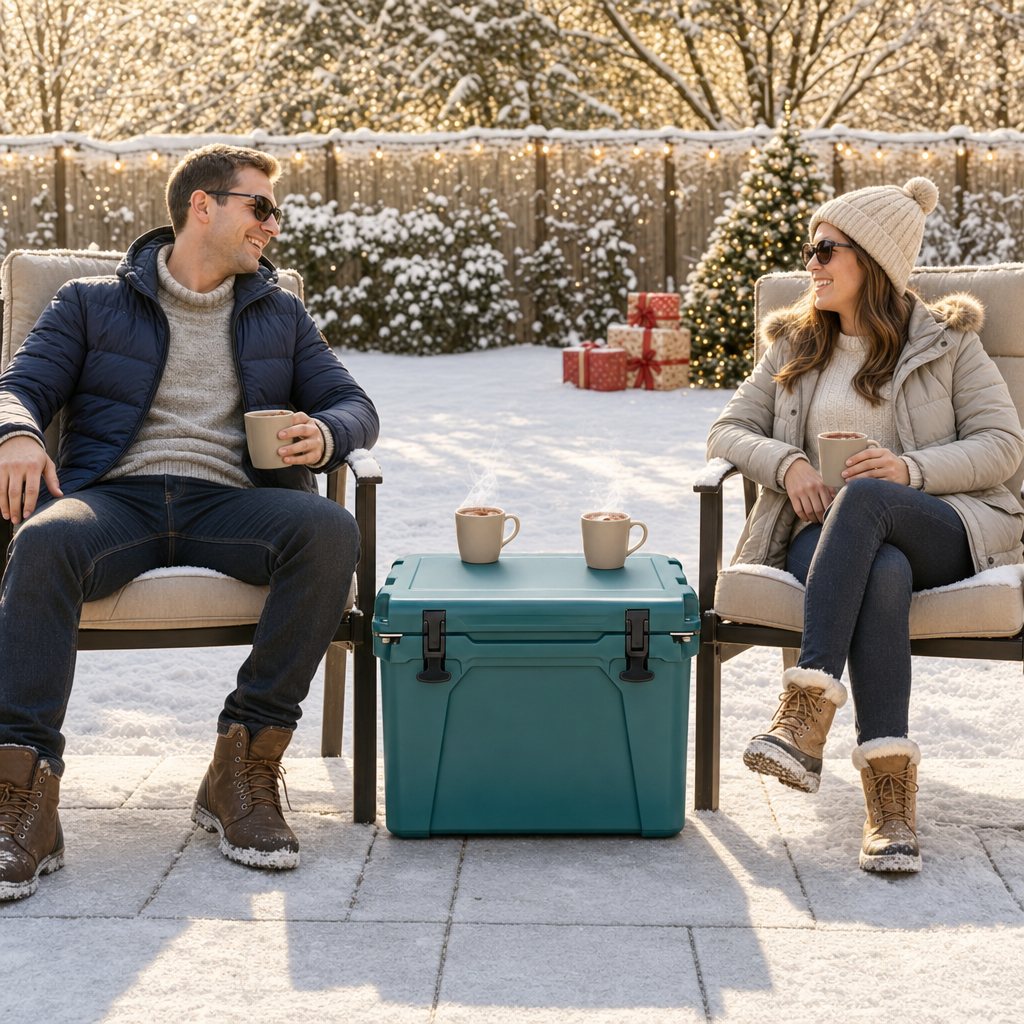
BeforeAfter
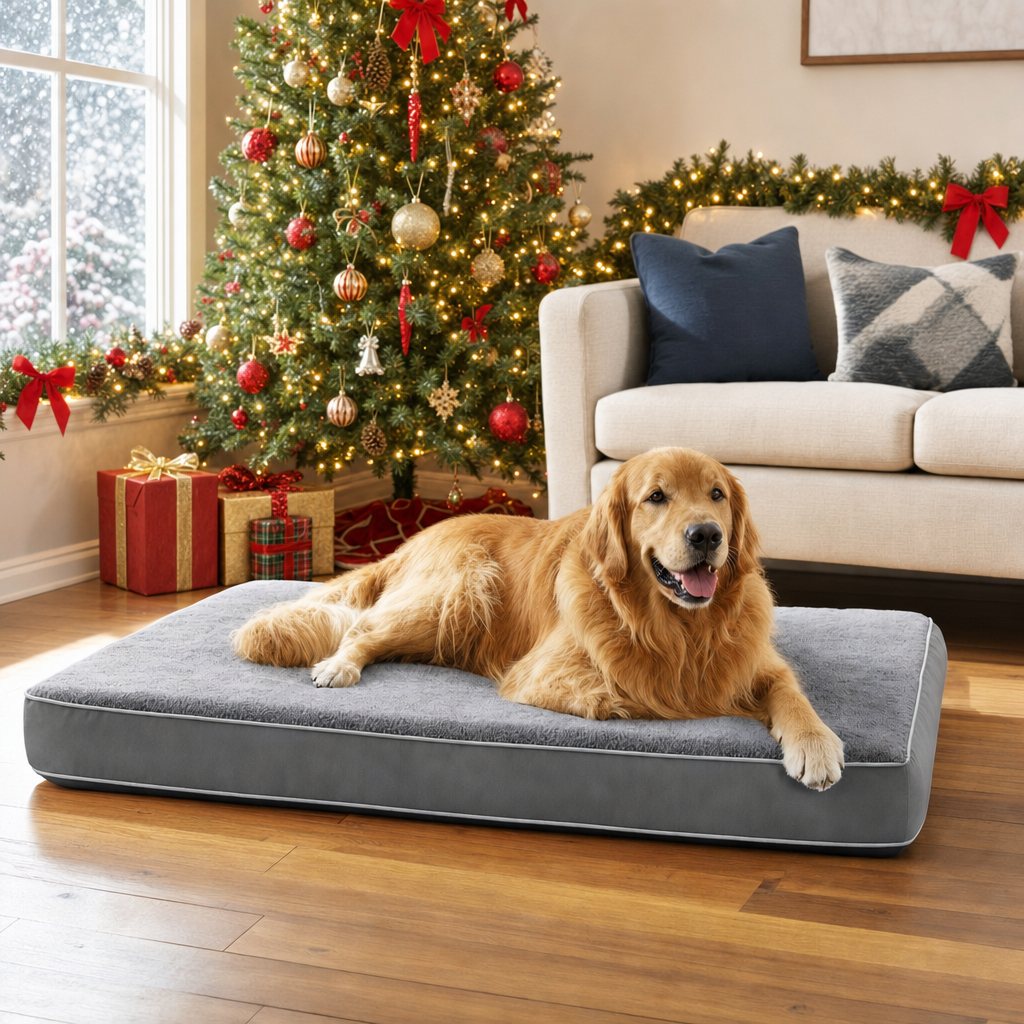
BeforeAfter
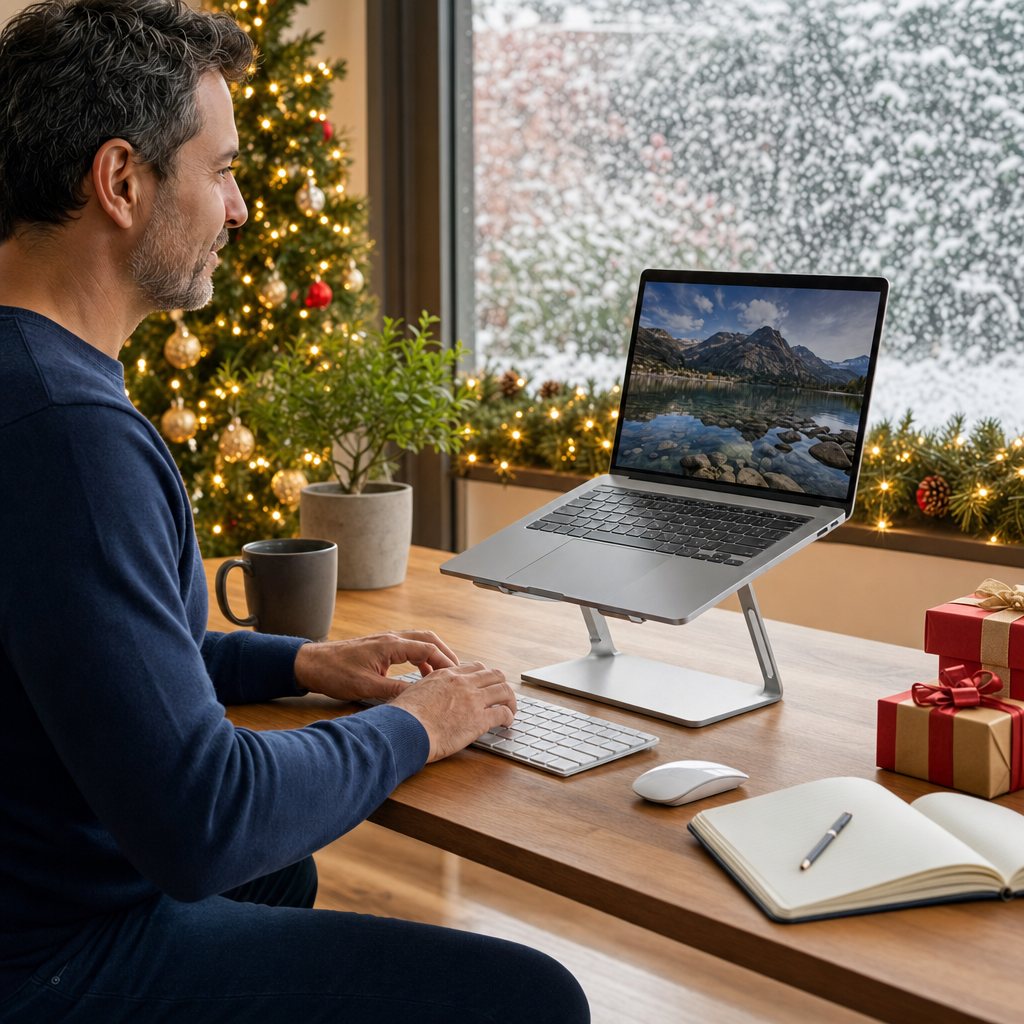
BeforeAfter

BeforeAfter

BeforeAfter
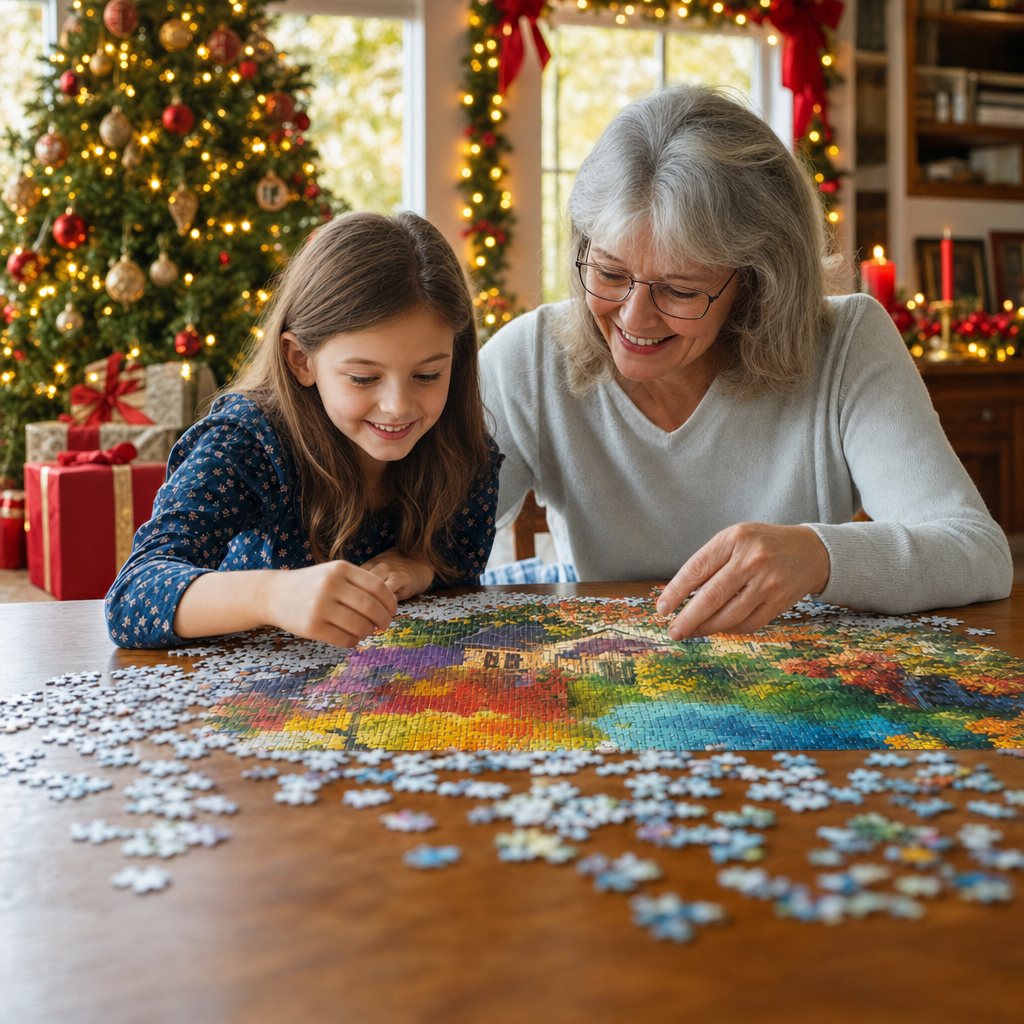
BeforeAfter
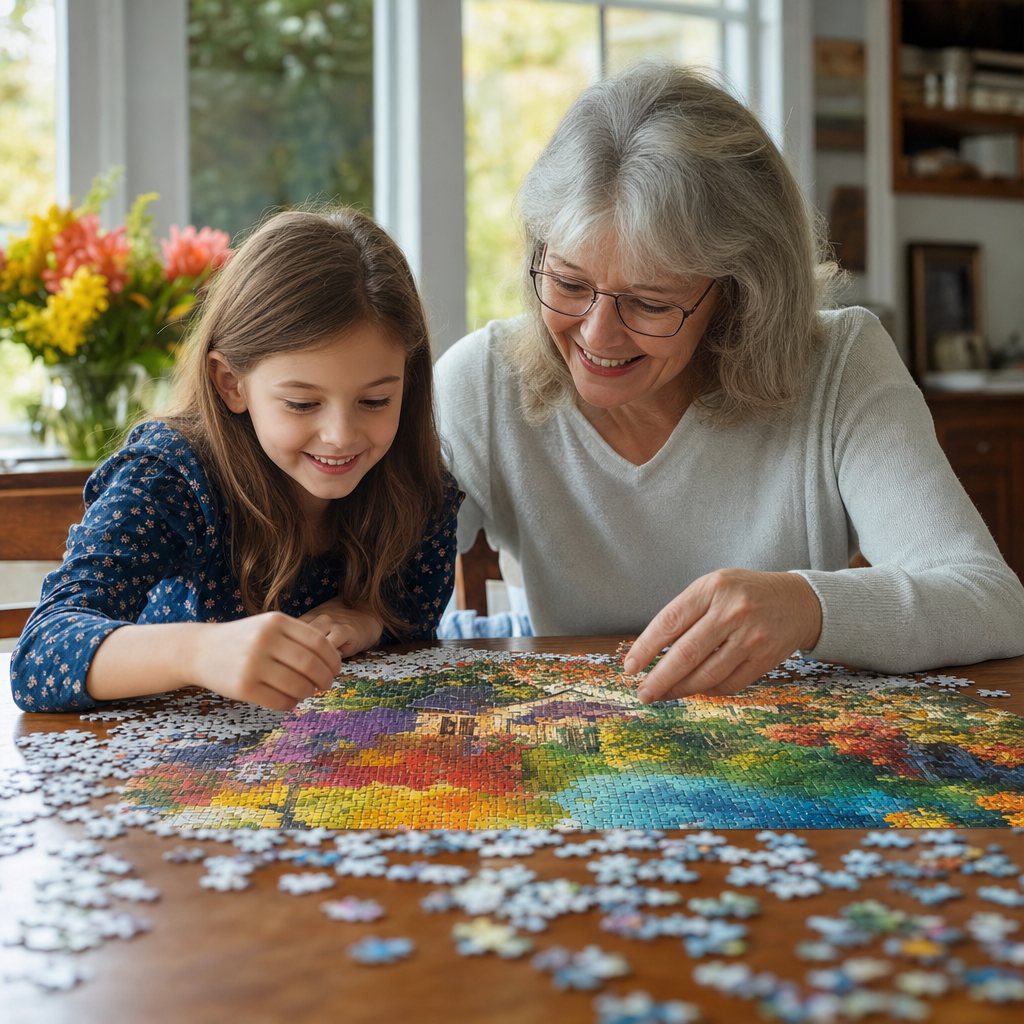
Drag or tap anywhere on an image to move the line.
Same skill, same rules, two ways to draw. Claude Code uses your OpenAI API key. Codex uses its own image tool on your ChatGPT plan, so there is no key at all. Everything else each one checks for you on the first run.
openai and Pillow packages. The first run prints the exact install line if anything is missing.npm install -g @openai/codex).Pillow and opencv-python-headless. The first run checks for them.Note on size: outputs are about 1024 px. Amazon accepts 1000 px and up. For a crisp zoom, upscale to 1600 or more before uploading.
Ask an image model for "a Christmas version" and you get trees in a parking lot, a Santa hat on the toddler and a product that changed color. The skill carries a decade of Q4 listing experience as hard rules.
Amazon wants it on pure white. The skill skips image 01 every time, no exceptions.
Same shape, color, angle, label, screen. Nothing is placed against it or on it.
Faces, poses and hands stay as shot. Only a summer scene gets winter clothes, so a tank top never ends up in the snow.
Outdoors gets lights, garland and a wreath. Gifts on the floor, stockings, warm light.
Never on children, never on the product, never two.
On the ground outside, never at a pool or on a beach: those get Christmas in the sun. No overlays, no glitter, no floating objects.
Pick your tool and install it once. From then on every session on your machine knows the skill. Works on macOS and Windows.
Install the santa-skill skill from my Downloads: unzip santa-skill.zip (or take the santa-skill folder, if it is already unzipped) into ~/.claude/skills, so that ~/.claude/skills/santa-skill/SKILL.md exists.
Claude asks before it writes to that folder: click Allow. Then open a new session. Have Node? npx skills add JayGPTPro/santa-skill -g installs it in one line instead.
/santa-skill [ASIN]
Replace [ASIN] with yours, or paste a whole list of product links. Desktop app or terminal, either one.
npx skills add JayGPTPro/santa-skill-codex -g -a codex
$santa-skill [ASIN]
Replace [ASIN] with yours, or paste a whole list. Step-by-step setup in the README.
In any folder: one ASIN, a product link, a whole list of them, or a folder of your own images.
It fetches the gallery, opens every image, decides what to transform and what to skip, and runs the images. No questions.
A before/after page with a one-line verdict per image, and one page for the whole catalog. Swap them in for Q4, swap them out in January.