The little star in Google (And why you should click it)
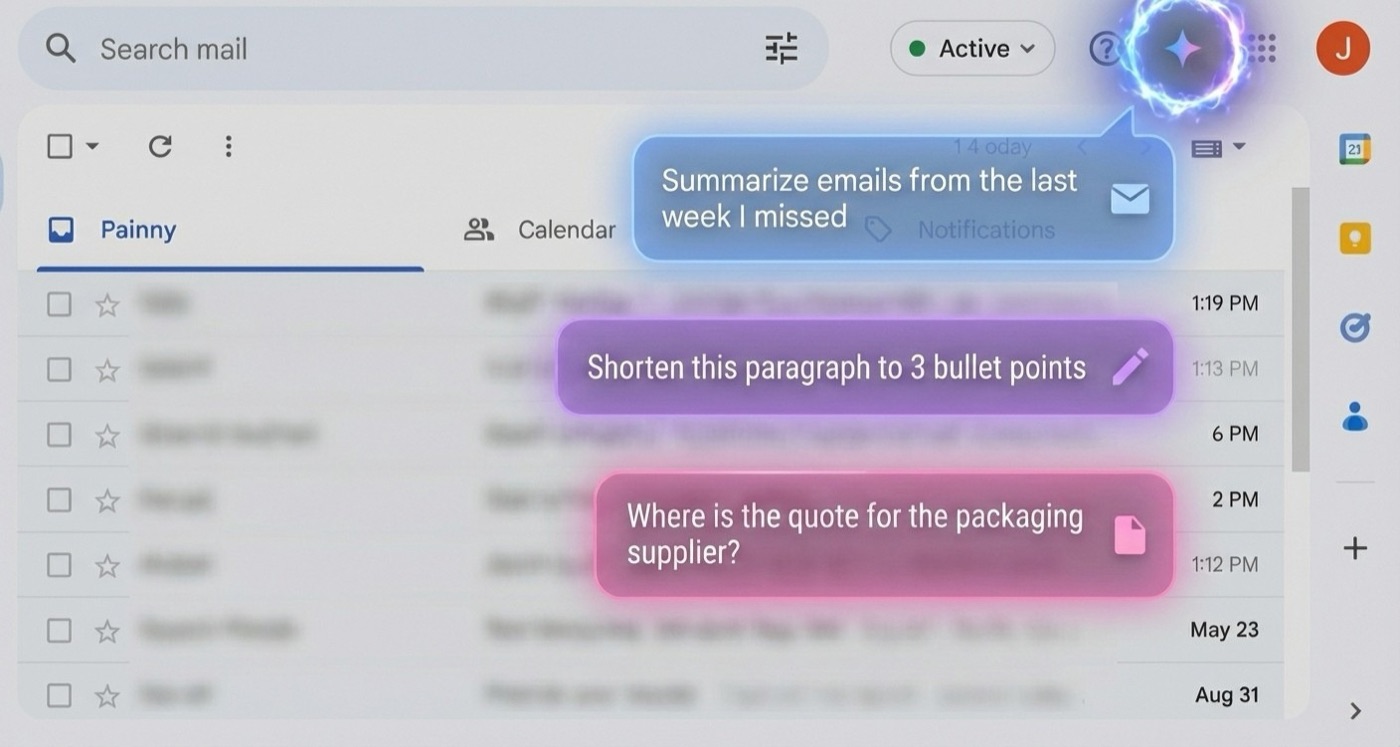
If you use Workspace or Google AI Premium, you have likely seen the new star icon inside your apps. That is Gemini. Unlike ChatGPT, which lives in a separate tab, Gemini sits inside your work. It sees the email you are reading or the doc you are writing.
Here are 3 quick examples of how to use it to save real time:
1️⃣ Catching missed emails. Important emails often get buried under spam. Open Gmail, click the star, and ask: "Check my emails from the last week. Did I miss anything urgent from a client?" It scans your actual inbox, flags the important threads, and can draft a reply for you.
2️⃣ Editing without tab-switching. Stop copying text to an external AI and pasting it back. Highlight any paragraph inside Google Docs, hit the star, and ask: `"Shorten this to 3 bullet points"` or `"Make the tone more professional."` It updates your document instantly, right on the page.
3️⃣ Finding files naturally. Forget trying to remember exact filenames like "Final_v2". In Drive, just ask: `"Where is the quote for the packaging supplier from last month?"` It understands the context and fetches the right file.
If you don't see the star, you might need to check your plan. If you do have it, it is a massive productivity booster.
P.S. 🤯 Just saw Google announced a new "Personal Intelligence" mode where Gemini connects your Google Search, Photos, and YouTube history too. I’m going to test it out, and if it’s actually useful, I'll break it down next time. 👀
Jay
📲 `To share our WhatsApp group with friends:`
https://chat.whatsapp.com/F1YcpZGHueh2oSEhcsfjc1